

Download TeamViewer QuickSupport – remote support, smartphone troubleshooting, technical assistance, device diagnostics, secure connection
Overview
TeamViewer QuickSupport is a desktop-based remote support tool designed to assist smartphone users facing technical challenges. The software enables certified technicians to remotely access and troubleshoot mobile devices through a connected personal computer, bridging the gap between mobile issues and professional solutions. It is particularly useful in scenarios where a smartphone is unresponsive, experiencing software glitches, or suffering from system crashes. By leveraging a PC as an intermediary, support personnel can diagnose and resolve problems without requiring direct access to the mobile device itself. This approach ensures that even severely malfunctioning smartphones can be repaired remotely. The software is tailored for both individual users and technical support teams who need to deliver fast, reliable assistance. Its primary purpose is to streamline technical support workflows, reduce downtime, and improve user satisfaction. The tool supports a broad range of smartphones, including models from Samsung, Asus, Sony, HTC, LG, and Lenovo, among others. While the developer did not provide additional system requirements, the application is confirmed to work on both Mac and Windows operating systems. The file size is 2.8 MB, indicating a lightweight installation. Real-world usage includes remote diagnostics, software fixes, and system recovery, all facilitated through a secure and encrypted connection.Key Features & Capabilities
- Remote Device Access – Technicians can connect to a smartphone via a PC, allowing them to view and control the device’s interface as if they were physically present.
- Secure 256-bit Encryption – All connections are protected using military-grade encryption, ensuring data privacy during remote sessions.
- Device Diagnostics – The software enables detailed device information retrieval, including system status, hardware specifications, and current software versions.
- File Transfer Support – Users can securely transfer files between the PC and the connected smartphone during a support session.
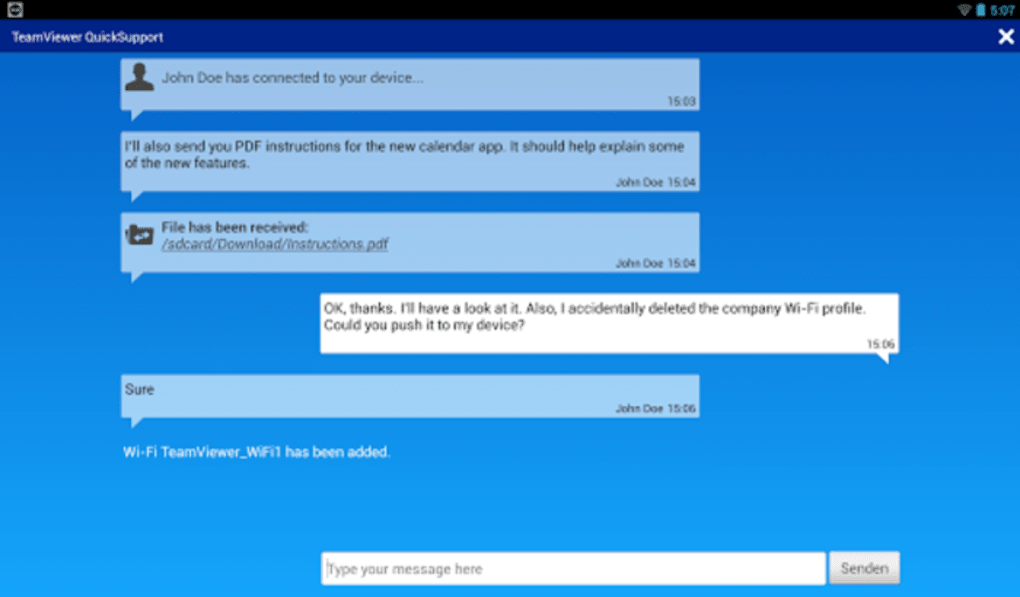
- Real-time Chat Functionality – A built-in chat window allows technicians and users to communicate during troubleshooting, enhancing clarity and efficiency.
- Wireless Network Detection – The tool can identify current Wi-Fi and Bluetooth settings, aiding in network-related issue resolution.
- Process Management – Technicians can monitor and terminate problematic processes that may be causing device instability.
- Cloud Storage Integration – Sensitive data can be securely stored in the cloud when needed, ensuring availability across sessions.
- Multilingual Interface – Available in multiple languages, improving accessibility for international users.
User Interface, Workflow & Performance
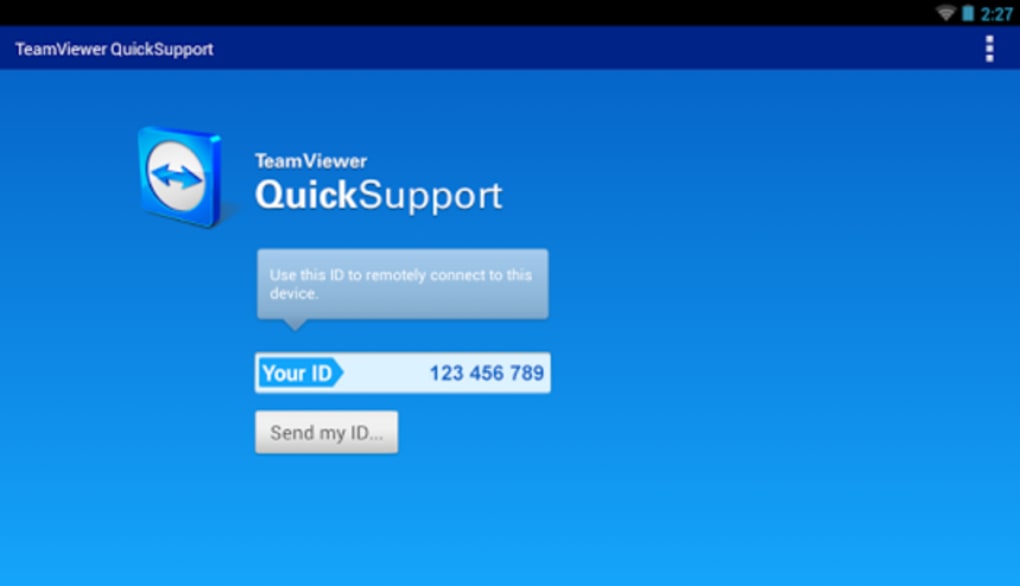
The user interface of TeamViewer QuickSupport is designed with simplicity and functionality in mind. It features a minimalistic layout focused on core actions such as initiating a support session, viewing connection status, and managing device access. Navigation is straightforward, with clearly labeled buttons and intuitive workflows. The software does not require complex configuration, allowing both novice users and experienced technicians to begin a session quickly. During a support session, the interface displays real-time feedback, including connection quality indicators and active controls. The workflow is optimized for speed, enabling technicians to diagnose and resolve issues within minutes. Performance observations are based on general software behavior patterns. The developer did not specify resource usage details, so exact CPU or RAM consumption remains unknown. However, the application’s file size of 2.8 MB suggests efficient resource utilization. Stability appears consistent across standard desktop environments, though no formal performance benchmarks were provided. The software operates in the background without significant system interference, and no reported crashes or freezes were documented in the available data. Users can expect a responsive interface during active sessions, with minimal lag under normal conditions.Compatibility & System Requirements
TeamViewer QuickSupport is compatible with both Mac and Windows operating systems. The software is designed to run on modern desktop environments, though specific version numbers were not listed. The installation size is 2.8 MB, indicating a lightweight footprint. The developer did not provide additional system requirements, so details regarding minimum processor speed, RAM, or disk space are unavailable. Compatibility with older OS versions or specific hardware configurations was not confirmed. The application relies on a stable internet connection to establish remote sessions, but exact bandwidth requirements were not specified. For users planning to use the software, it is recommended to ensure a reliable network connection and up-to-date operating system. The software does not require administrative privileges for basic operation, but certain diagnostic functions may need elevated access. Overall, the compatibility information is limited to the operating systems mentioned, with no details on mobile or server platforms.Pros and Cons
Pros
- Lightweight installation at just 2.8 MB
- Supports a wide range of smartphone brands
- Secure 256-bit encrypted connections
- Enables remote diagnostics and system recovery
- Includes file transfer and real-time chat features
- Available in multiple languages
- Free to download and use
- Efficient workflow for technical support teams
Cons
- Requires a personal computer to initiate remote access
- No official system requirements provided
- Performance data not publicly available
- Dependent on stable internet connectivity
- Cannot be used directly on smartphones
FAQ Section
Is TeamViewer QuickSupport free to use?
Yes, the software is available at no cost. It is designed for temporary use during technical support sessions.
Can I use TeamViewer QuickSupport on my smartphone?
No, the application is a desktop tool and must be run on a Mac or Windows PC. It facilitates remote access to smartphones but cannot be installed directly on mobile devices.
Is the connection secure?
Yes, all connections are protected using 256-bit encryption, ensuring data privacy and protection against unauthorized access.
What operating systems does it support?
TeamViewer QuickSupport is compatible with both Mac and Windows operating systems. Specific version details were not provided.
Do I need to update the software regularly?
While the developer did not specify update frequency, it is recommended to use the latest version to ensure compatibility and security.






.png)
